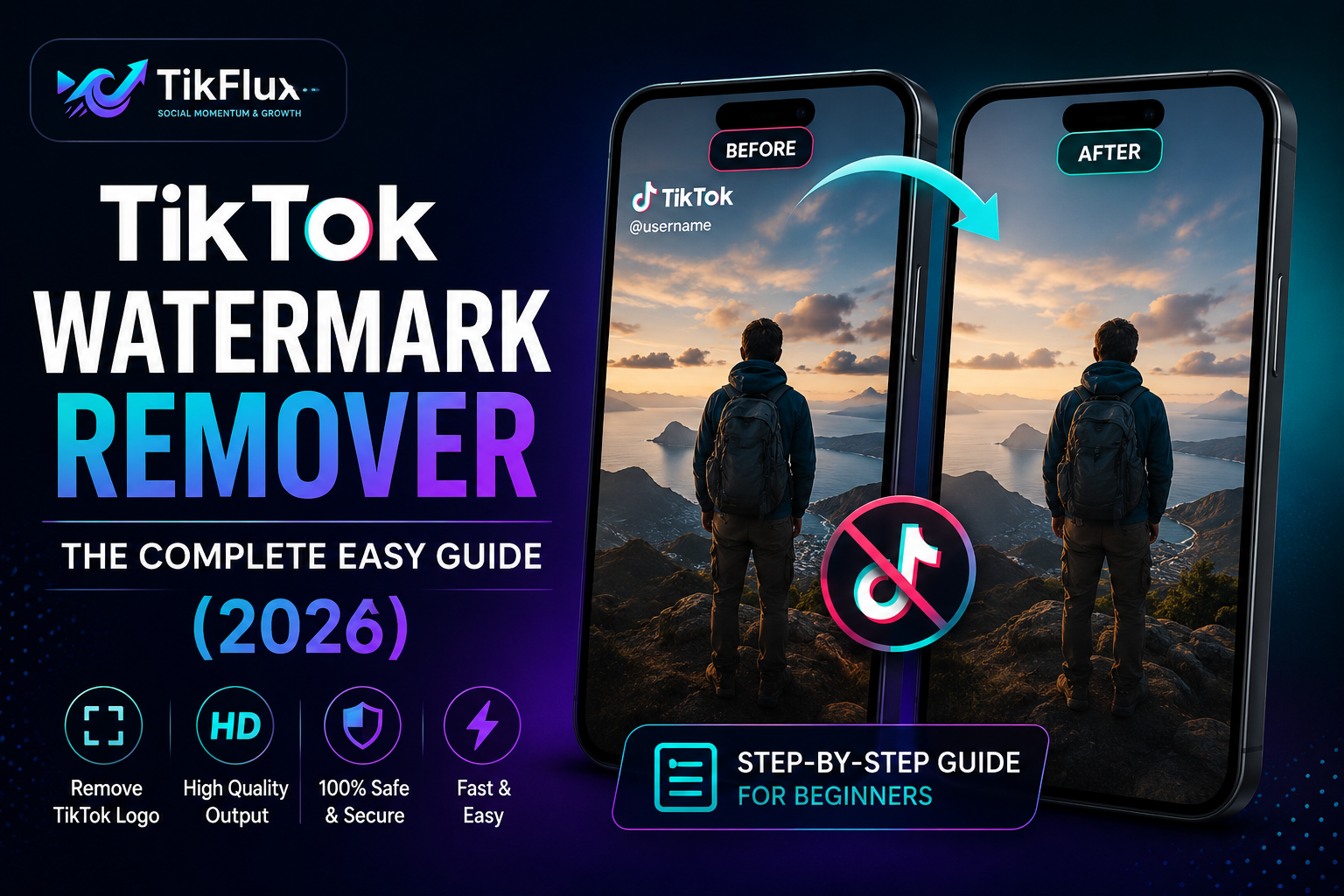
The easiest way to remove a TikTok watermark is to copy the video link, paste it into a free tool like Tik Flux and download the clean HD video in a few seconds. No app, no sign-up, and no skills needed.
TikTok is fun. But every video you download from TikTok comes with a little logo and username stamped on it. That stamp is called a watermark. If you make videos, repost content, or run an online shop, that watermark can get in your way.
In this guide, you will learn what a TikTok watermark is, if it’s safe to remove one, and exactly how to do it on your phone or computer. We will also answer the questions people search for the most, so you get every answer in one place.
What Is a TikTok Watermark?
A TikTok watermark is the small TikTok logo and the creator’s username that appears on a video after you download it. It usually sits in one corner and sometimes moves around the screen so it’s harder to crop out.
TikTok adds this mark for two simple reasons:
To show where the video came from
To stop people from reposting content without giving credit
This is why you also hear it called a TikTok logo, a TikTok stamp, or a TikTok overlay.
Why Do People Remove TikTok Watermarks?
People remove watermarks for many normal, everyday reasons, not just to “steal” videos. Some common reasons are:
Reposting their own content to Instagram Reels, YouTube Shorts, or Facebook without a competitor’s logo on it
Editing or remixing a clip for a new project
Selling products and using clean TikTok clips as ad creative
Saving memories in a clean, distraction-free format
Making mashups or highlight reels for personal use
If you made the video yourself, removing your own watermark is completely fine. If the video belongs to someone else, you should always give credit or get permission first. More on that below.
Is It Safe and Legal to Remove a TikTok Watermark?
This is the part most guides skip, but it matters a lot.
Removing a watermark from your own video is always safe and legal. It’s your content, so you can do whatever you like with it.
Removing a watermark from someone else’s video is a different story. TikTok videos are protected by copyright, just like songs or movies. If you repost someone else’s clip without credit after removing the watermark, you could:
Get your account reported or banned on other apps
Break copyright rules, especially if you use the clip for money-making content
Lose the trust of your audience if they find out
The safe rule of thumb: only remove watermarks from your own videos, or videos where you have clear permission from the creator. If you are using a clip for fair use, like a reaction or review, always tag the original creator.
A trusted tool like Tik Flux processes your video privately, doesn’t store your files long-term, and is built for creators who want to clean up their own content fast.
How to Remove a TikTok Watermark (Step by Step)
Here is the simplest method that works for almost everyone, no matter what device you use.
Open TikTok and find the video you want.
Tap Share, then Copy Link.
Go to Tik Flux in your browser.
Paste the link into the box on the homepage.
Click Remove Watermark and let the tool process the video.
Preview your clean video, then tap Download.
That’s it. You now have a watermark-free, HD video saved to your device, ready to repost, edit, or share anywhere.
Best TikTok Watermark Remover Tools in 2026 (Compared)
There are many tools online, but they are not all the same. Here’s a simple comparison to help you pick the right one.
| Tool | Works By URL? | No Sign-up? | Batch Upload | Keeps HD Quality |
|---|---|---|---|---|
Tik Flux | Yes | Yes | Yes | Yes |
| Basic browser tools | Sometimes | Sometimes | Rarely | Often loses quality |
| Mobile apps | No (upload only) | Often needs account | Limited | Varies |
Most basic tools only handle one video at a time and ask you to create an account before you can download. A good tool should let you paste a link, skip the sign-up, and keep the video sharp.
How to Remove TikTok Watermark on iPhone
Open the TikTok app and tap Share on the video.
Tap Copy Link.
Open Safari or Chrome and go to a watermark remover site.
Paste the link, tap Remove Watermark, then tap Download.
The clean video saves straight to your Photos app.
No extra app install is needed. Everything happens inside your browser.
How to Remove TikTok Watermark on Android
Open TikTok and tap the Share icon on the video.
Choose Copy Link.
Open Chrome and paste the link into the remover tool.
Tap Remove Watermark, wait a few seconds, then tap Download.
Find your video in the Downloads or Gallery folder.
Android phones can also use the share sheet to send a link directly to a watermark remover, which saves you a copy-paste step.
How to Remove TikTok Watermark on PC or Laptop
Open TikTok in your browser or app and copy the video link.
Go to your chosen watermark remover website.
Paste the link into the input box.
Click Remove Watermark, then Download.
The video saves to your computer’s Downloads folder, ready to drag into any video editor.
This is the fastest method if you’re batch-cleaning many clips for a project or a client.
Common Problems When Removing Watermarks (And How to Fix Them)
Even good tools can run into small issues. Here’s how to fix the most common ones.
The watermark is still slightly visible. Some watermarks move around the screen during the video. Try a tool that uses AI detection, since it tracks the logo across every frame instead of covering one spot.
The video looks blurry after removal. This usually happens when a tool blurs or crops the watermark area instead of properly cleaning it. Pick a tool that rebuilds the background instead of just covering it.
The link won’t paste or process. Make sure the video is set to Public, not private, and that you copied the full link, not just the username.
The download is slow. Large videos take longer. Try again on Wi-Fi instead of mobile data, or process the clip during off-peak hours.
Tips to Keep Your Video Quality High After Removing a Watermark
Always download the original, highest quality version from TikTok first
Avoid using screen recording, since it lowers resolution
Pick a tool that exports in HD or higher
Don’t compress the video more than once
Check the final clip on a bigger screen before posting, so small quality drops are easier to spot
Frequently Asked Questions
Is it free to remove a TikTok watermark?
Yes. Tools likeTik Flux let you remove TikTok watermarks for free, with no app download needed.
Will removing the watermark lower my video quality?
A good tool keeps your video in HD with little to no quality loss. Quality drops usually happen with low-quality or outdated tools.
Can I remove a watermark without downloading an app?
Yes. Online, browser-based tools work on any device and don’t need an app install.
Can I remove watermarks from many TikTok videos at once?
Some tools, including Tik Flux, support batch processing, so you can clean several clips in one session instead of one at a time.
Is removing a TikTok watermark against TikTok’s rules?
TikTok’s terms ask users to respect copyright. Removing your own watermark is fine. Reposting someone else’s video without credit can break copyright rules, even after the watermark is gone.
Does this work on TikTok Live or private videos?
No. Watermark removers only work on public videos with a shareable link. Private or live content can’t be processed this way.
Final Thoughts
A TikTok watermark doesn’t have to limit how you use your own content. With the right tool, you can save a clean, HD version of your video in seconds, repost it anywhere, and keep your brand looking sharp. Just remember to respect copyright when the video isn’t yours.
If you want the fastest, simplest way to get a clean video, try the free TikTok watermark remover at Tik Flux. Paste your link, remove the watermark, and download, all in under a minute.